Cross stitch from photo
Take a picture or pick one from your library. Or drop a photo here. Your photo stays on this device.
Photos turned into patterns
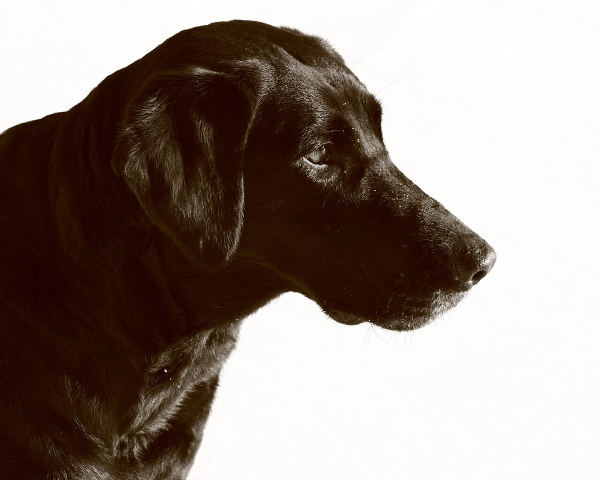
Photo 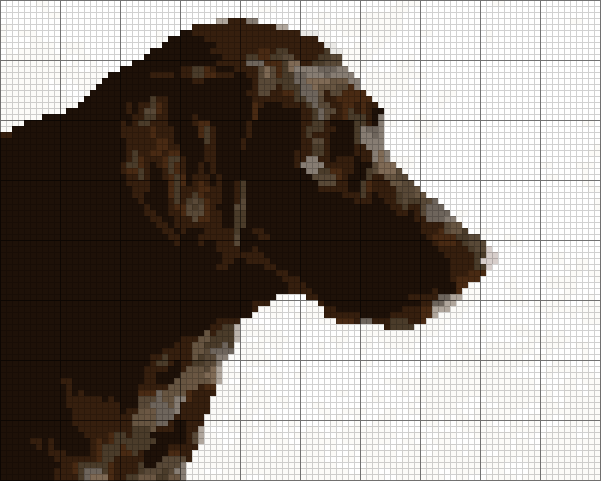
Pattern Black Labrador · 100 × 80 stitches · 16 DMC colors · default settings
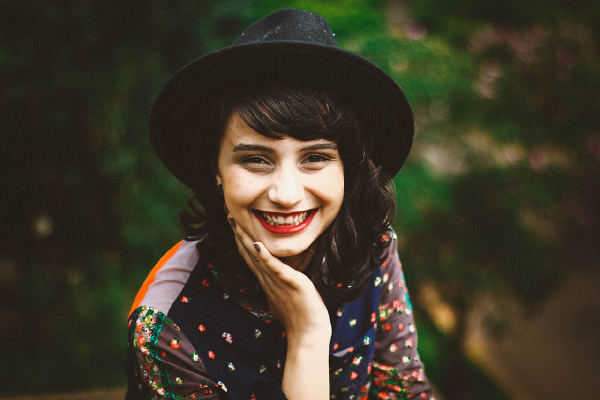
Photo 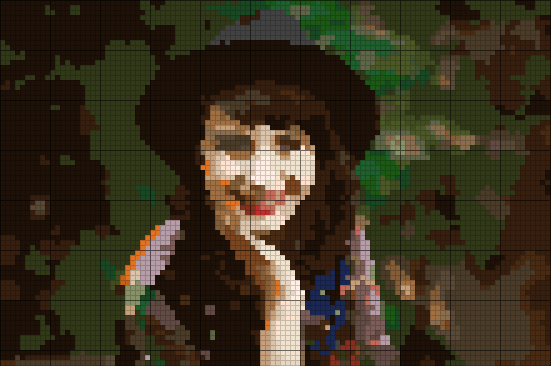
Pattern Portrait · 110 × 73 stitches · 34 DMC colors · default settings
Photo 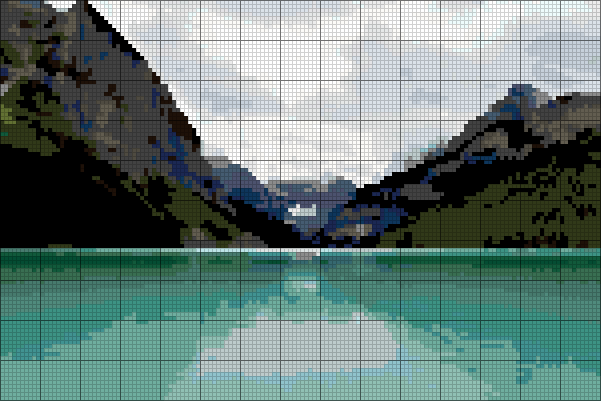
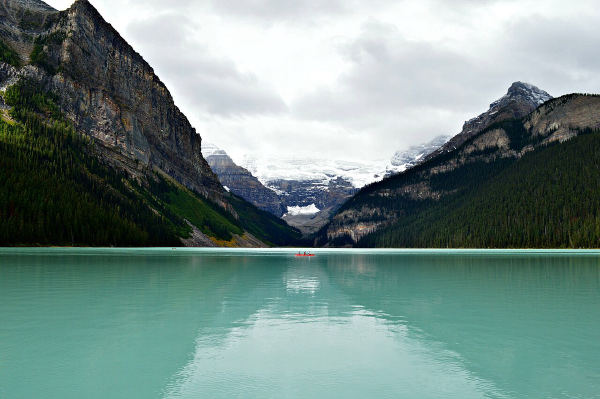
Pattern Lake Louise · 150 × 100 stitches · 34 DMC colors · default settings
Choosing the photo
Pets
Crop close to the face and keep the eyes sharp. Fur needs stitches more than colors: try Large before Detailed.
Portraits
Use soft, even light from the front. A strong shadow across a face turns into a band of extra colors.
Weddings and groups
Crop to the faces that matter. Small faces need a large pattern, about 150 stitches or more across.
Landscapes
Pick a photo with a clear horizon and a few big shapes. Sky and water turn into smooth color steps.
How many colors to use
| Detail | Colors | Good for |
|---|---|---|
| Simple | 20 | Bold subjects, first projects |
| Balanced | 35 | Most photos |
| Detailed | 50 | Faces, fur and soft light |
Questions
What kind of photo works best?
A sharp photo with one clear subject, even light and a plain background. Crop away everything that is not the subject before you choose a size.
Can I use a photo straight from my iPhone?
Yes. Tap "Choose a photo" and pick one from your library, or take a new one with the camera.
How many colors should a photo pattern have?
Balanced (35 colors) suits most photos. Simple (20) is quicker to stitch and good for bold subjects. Detailed (50) keeps soft shading in faces and fur.
Why are there single stitches scattered around?
Photos have noise and fine texture. The converter removes most lone stitches; under More options you can set this from Off to Strong.