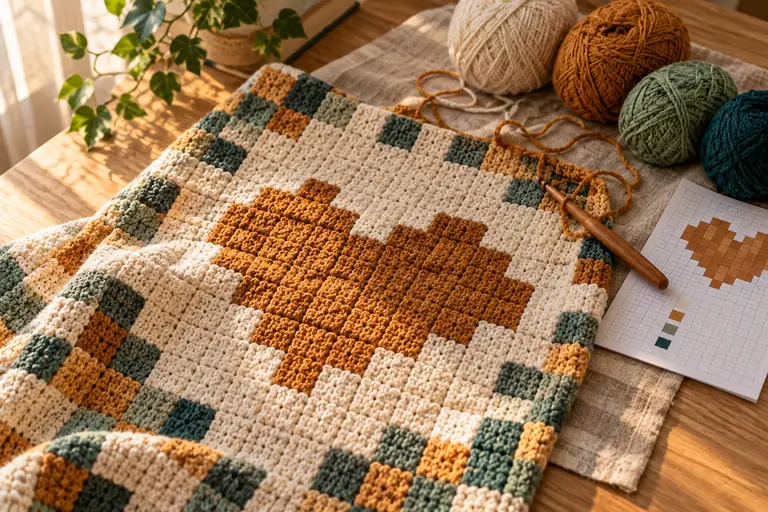
Cross stitch pattern software compared
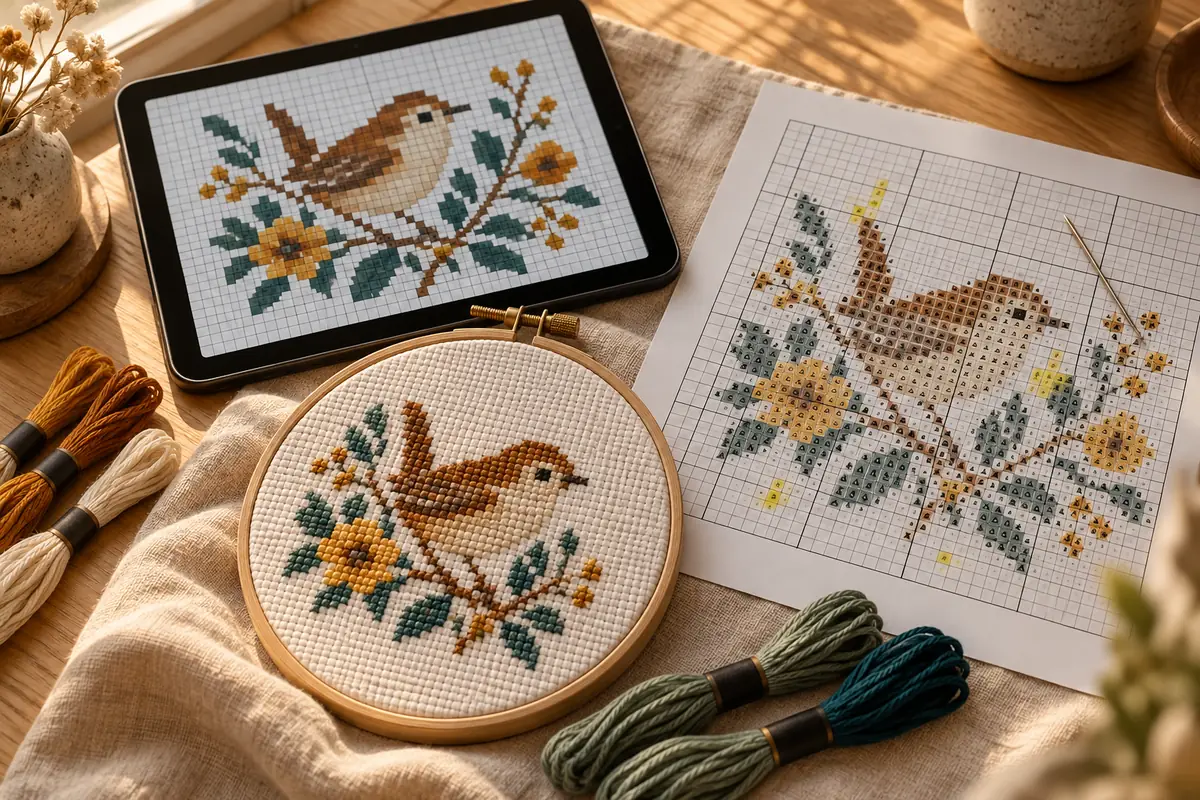
Side by side
| Cross Stitch Pattern Creator | FlossCross | Stitch Fiddle | Pic2Pat | Stitchly | WinStitch / MacStitch | |
|---|---|---|---|---|---|---|
| Where it runs | Web browser on computer, tablet or phone (no install) | Web browser (no install) | Web browser across desktop, tablet and phone | Web browser (no install) | Native app for iPhone, iPad, Mac (Apple Silicon) and Android | Desktop install (WinStitch on Windows, MacStitch on Mac) |
| Photo conversion & privacy | Local browser CIEDE2000 conversion (489 DMC shades, never uploaded, detail-preserving confetti cleanup) | Local browser photo conversion (DMC palette); manual cleanup in editor | Photo upload to cloud account; flexible resizing and editing | Browser photo conversion across DMC, Anchor, Madeira and more | Photo import and tracing inside the native app | Desktop photo import with advanced dithering and palette controls |
| Free tier & PDF limits | Unlimited patterns; free watermark-free PDF & OXS up to 60 × 60 + 134 free library charts at any size | Free editor, PDF export and OXS export with no registration | Free up to 15 charts, 50 colors, 300 × 300 stitches (Premium unlocks extra tools) | Free unlimited photo-to-PDF downloads without watermarks | Free limited trial; full export requires paid app unlock | Free demo (saving/printing requires paid license) |
| Price | $3.99 once per custom pattern over 60 × 60 (no subscription, 14-day refund) | Free | From $4.99/month or $28.95/year (paid upfront, no auto-renewal) | Free charts (monetized via optional floss & fabric kits) | One-time purchase per platform (Apple / Android) | One-time desktop license (~£46 / region-dependent) |
| Stitch types & thread brands | Full cross stitches only; 489 DMC colors (no backstitch/half stitches yet) | Full, half-cross, petite stitches and backstitch; DMC palette | Full, half/quarter stitches, knots, beads, layers (Premium); multi-craft | Full cross stitches; DMC, Anchor, Madeira, Cosmo, Sullivans | Full, quarter/half/three-quarter, backstitch, French knots; multi-brand | Full suite: fractional stitches, backstitch, knots, beads, multi-brand |
| Pattern Keeper / OXS & tracking | TTF selectable-symbol PDF, 1-page tablet PDF, OXS export + built-in Browser Stitch Mode | PDF and OXS import/export (no built-in stitch tracker) | PDF export + built-in progress tracking and cloud sync | Printable PDF + thread quantity list (no OXS or progress tracker) | Native in-app symbol highlighting, progress tracking and PDF export | Pattern Keeper-compatible PDF & OXS export (desktop authoring) |
| Selling what you make | Yes — patterns from your own photos and finished pieces, no seller plan needed | Yes — free to sell patterns you create | Yes — designs remain your property | Yes — personal and finished pieces (check site terms) | Yes — designs created in app are yours to stitch or sell | Yes — widely used by commercial Etsy pattern designers |
Sources: FlossCross, Stitch Fiddle pricing, Pic2Pat, Stitchly features, WinStitch and MacStitch.
Which one fits you
A photo, printed quickly
A browser tool: choose the photo, pick a size, print. Nothing to install, and small patterns print free here.
Names, words and small gifts
A tool with ready alphabets, such as the cross stitch letters page, saves drawing each letter by hand.
Large designs with fine detail
Half stitches, backstitch and layers are in desktop programs and in paid web plans. This site does whole stitches only for now.
Selling patterns
Check the license. Here, patterns you make are yours to sell; some tools need a seller plan for that.
Questions
What is the best cross stitch pattern software if I only make 1 or 2 photo patterns a year?
Avoid monthly subscriptions. For a guided photo-to-print workflow with local privacy, confetti cleanup, fabric/skein math, and Pattern Keeper-ready PDFs, Cross Stitch Pattern Creator is free up to 60 × 60 stitches and $3.99 once for larger charts. If you want a completely free full editor with backstitch, try FlossCross; if you want free large PDFs in Anchor or Madeira thread, try Pic2Pat.
How does Cross Stitch Pattern Creator compare to FlossCross?
FlossCross is a strong free browser editor that supports backstitch, half-cross, and petite stitches. Cross Stitch Pattern Creator focuses on an easier photo-to-project workflow with detail-preserving CIEDE2000 confetti cleanup, per-color skein and fabric-cut planning, Browser Stitch Mode progress tracking, and 134 ready-to-stitch free charts.
Does Cross Stitch Pattern Creator support backstitch, half stitches, or Anchor floss?
Not in the current version — it supports full counted cross stitches and the 489-color DMC stranded-cotton palette only. If your project requires backstitch outlines, fractional stitches, French knots, or Anchor/Madeira floss, FlossCross, Stitch Fiddle, Stitchly, or WinStitch is a better fit.
Which cross stitch software works best on an iPad?
If you want a dedicated native iPad app with Apple Pencil drawing and specialty stitches, Stitchly is the leading choice. If you prefer a browser tool that works across iPad, phone, and laptop with no app install and Pattern Keeper / Markup R-XP PDF and OXS export, Cross Stitch Pattern Creator runs directly in Safari or Chrome.
Do I need to install desktop software to make a printable PDF pattern?
No. Browser tools like Cross Stitch Pattern Creator, FlossCross, Pic2Pat, and Stitch Fiddle run directly in your web browser. Desktop programs like WinStitch / MacStitch only make sense if you design complex multi-brand commercial charts regularly.
Which tools export Pattern Keeper-compatible PDFs and OXS files?
Cross Stitch Pattern Creator embeds TrueType (TTF) Unicode symbols as selectable text in its PDFs (plus 1-page tablet PDF and OXS export), FlossCross exports PDF and OXS, and WinStitch/MacStitch provide dedicated Pattern Keeper PDF exports.
Is there any subscription on Cross Stitch Pattern Creator?
No. Creating, editing, and stitching in the browser is free with no account, small custom PDFs (up to 60 × 60) and all 134 free library charts download free, and a larger custom pattern is a single $3.99 one-time payment with a 14-day refund policy.
Related tools
- Pattern creatorTurn a photo into a cross stitch chart with DMC colors.Make a pattern
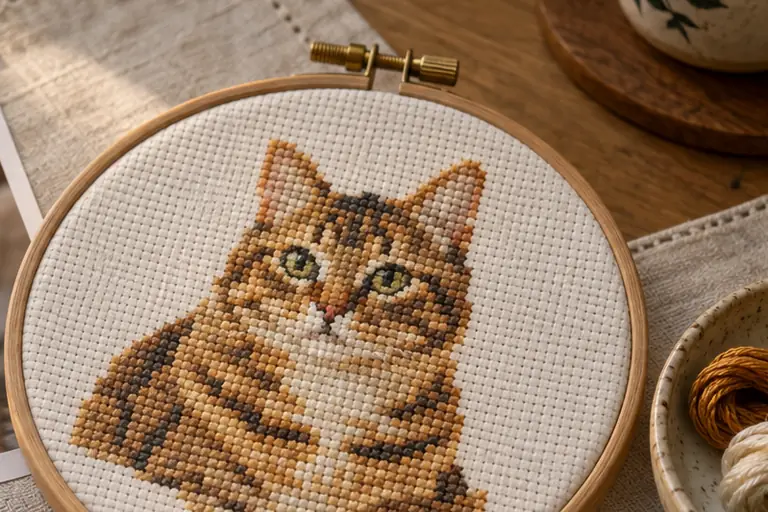
- Cross stitch from photoPets, portraits and places: tips for turning photos into charts.Open the tool
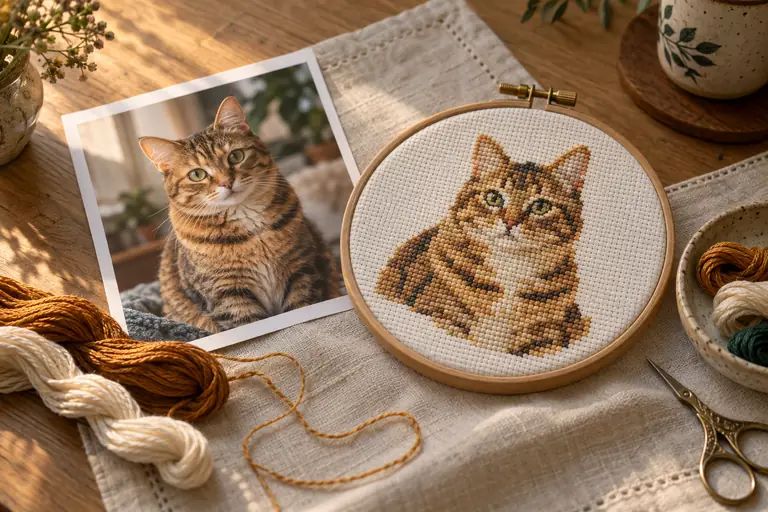
- Cross stitch lettersSpell a name or a date in stitches, in any DMC color.Open the tool
- Crochet graph makerTurn a photo into a C2C or graphgan chart, counted row by row.Open the tool